
Maps rankings grid
Position checked at 17 spots around each location, month on month.

Google Business Profile integration
For local businesses, the Maps listing is often the first thing a customer sees. RankMesh keeps it active, answers reviews with you, and tracks where you rank around each location.
Free report · no credit card · takes about 2 minutes
Connecting Google Business Profile lets RankMesh work with your locations: it checks where each location ranks on Google Maps at 17 spots around it, shows rating, reviews and profile health, drafts replies to new reviews for your approval, and publishes posts to your profile from your content calendar.
Sign in with the account that manages your Business Profile.
Pick the locations this project covers and give them short names.
Rankings are checked, review replies drafted and posts scheduled.
What Google Business Profile gives you, in plain words.
Position checked at 17 spots around each location, month on month.
Every review in one place with a reply draft to approve.
Updates and offers posted to your profile on schedule.
The competitors ahead of you on Maps, by location.
Replies are drafted for you and sent after approval, so every public response is one you are comfortable with.
Yes. Each location is tracked separately, with its own rankings, reviews and posts.
Google Business Profile and local SEO management is included in Managed, and the profile tools are available on Self-Serve for your team to run. Integrations are part of every paid plan: Self-Serve at $99 a month (₹10,000 in India), where your team connects them, and Managed at $399 a month (₹40,000 in India), where the RankMesh team connects them for you. Full details are on the pricing page, and you can see where you stand today with a free AI visibility report.
Rated 5.0 out of 5 from 3 reviews on G2. Read more on Trustpilot.
 Local SEO
The setup for a service-area business is different from a standard storefront listing, and getting it wrong is the most common reason these businesses are invisible in local search.
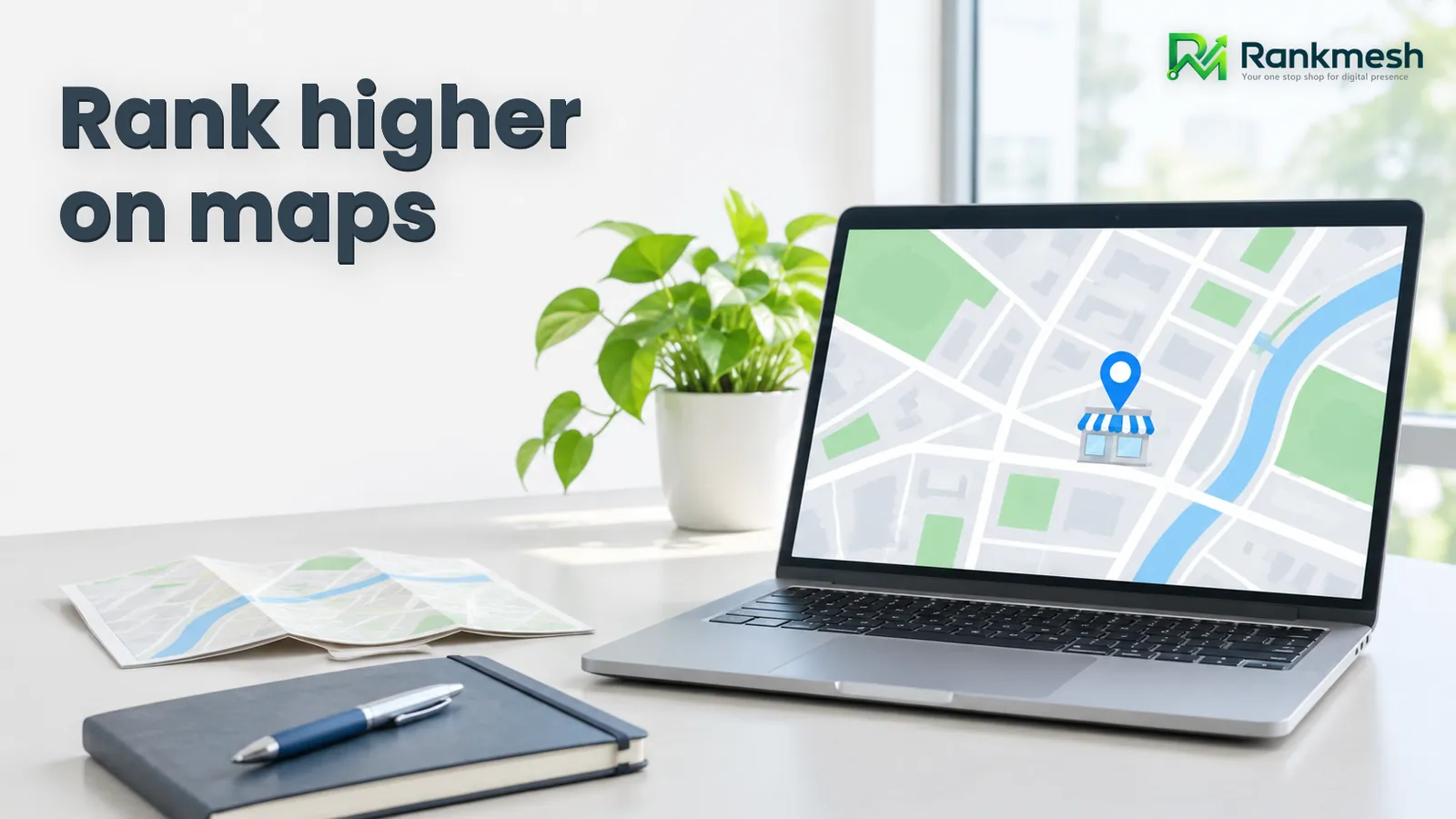 Local SEO
Relevance is the one Map Pack factor you can fix this week, just by filling out a Google Business Profile correctly. Most businesses leave half of it blank.
 AI Visibility
A five-page local business site doesn't need an enterprise research suite, and a 200-page e-commerce catalog can't run on a single content-writing add-on. The category matters more than the brand name.
Google Business Profile FAQ
You need a Google account with access to the Business Profile to connect it.
On a regular schedule, with a month-on-month comparison.
It helps keep your profile within Google's guidelines; reinstatement requests go through Google.
Start with a free report, then connect your Business Profile.
Get my free report